
Daikin Madoka
The daikin_madoka component creates a climate device which can be used
to control Daikin Madoka controllers.
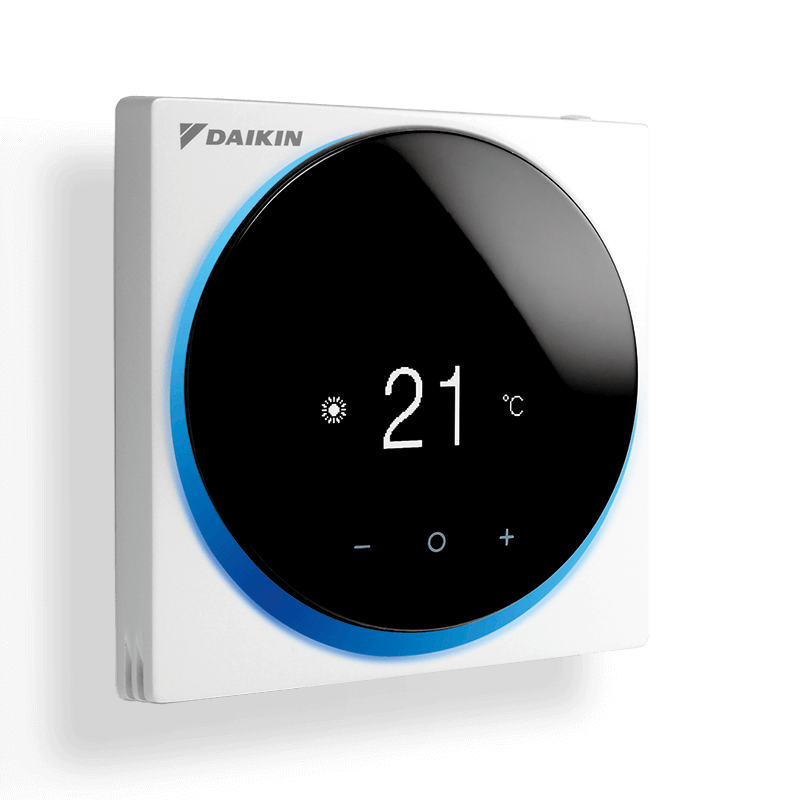
This component supports the following functionality:
- Set the operating mode: off, heat, cool, dry, fan_only, auto
- Set the desired target temperatures (two-setpoint mode)
- Show the current room temperature
- Set the desired fan speed: auto, low, medium, high
Base Configuration

To use the Daikin Madoka climate controller in your installation, add the following to your configuration file:
esp32_ble_tracker:

esp32_ble:
  io_capability: display_yes_no

ble_client:
  - mac_address: <mac_address>
    id: madoka_climate

climate:
  - platform: daikin_madoka
    name: "Madoka Climate"
    ble_client_id: madoka_climate
    update_interval: 15s
Configuration variables
- ble_client_id (Required, ID): The ID of the BLE Client used for the communication.
- update_interval (Optional, Time): The interval to check the device for state updates. Defaults to
10s. - All other options from Climate.
ℹ️ Note
The Daikin Madoka climate controller requires
esp32_bleIO Capability to be set todisplay_yes_no, due to the fact that the device expects to be pairing to a smartphone. A pairing code is displayed on the device, the ESP32 prints the same code to the serial console, and the user must confirm that the codes match. The code is automatically confirmed on the ESP32 device.
Credits
This component is based on the awesome work of @blafois, who reverse engineered the Daikin Madoka protocol. You can find his writeup here.

